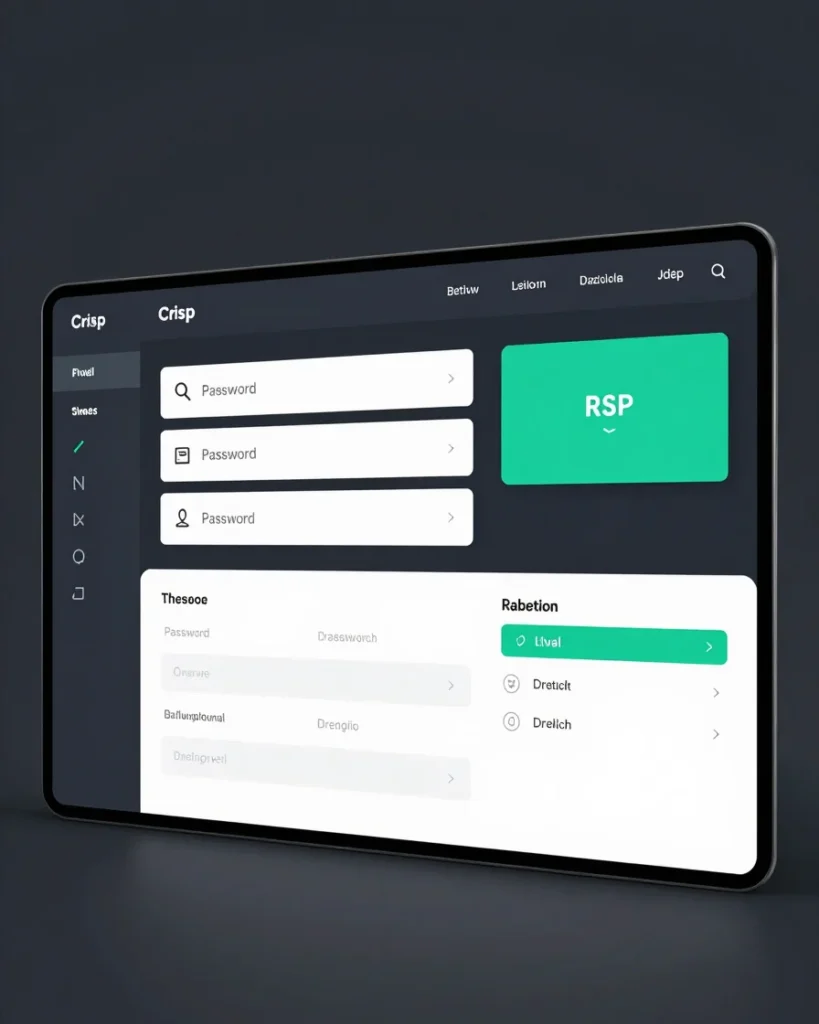
A three-step technical workflow for generating dynamic QR codes, assigning edit passwords, and managing review card destinations.
Workflow Steps
How Dynamic Routing Operates
01
Batch Generation
Generate unlimited dynamic QR vectors instantly. Set an individual edit password for every code during creation.
02
Card Printing
Print vector QR codes directly onto physical NFC or plastic Google review cards without pre-locking final URLs.
03
Instant Redirection
Update the target Google review link anytime in the portal using the assigned edit password.
Access Protection
Individual Password Control
Every generated QR code carries its own edit password. This ensures clients or card managers can modify destination links safely without accessing full account credentials or risking unauthorized URL changes.
Ready to inspect technical features?
Explore the complete platform feature index built for Google review card operators.